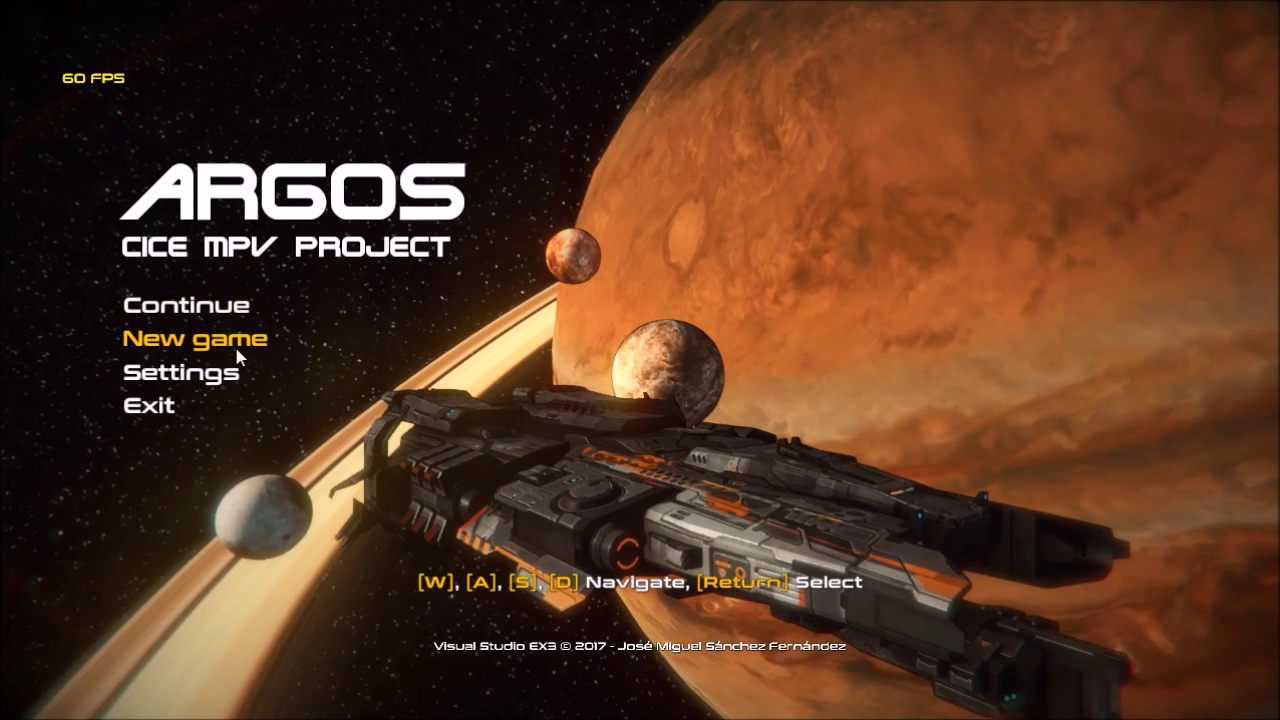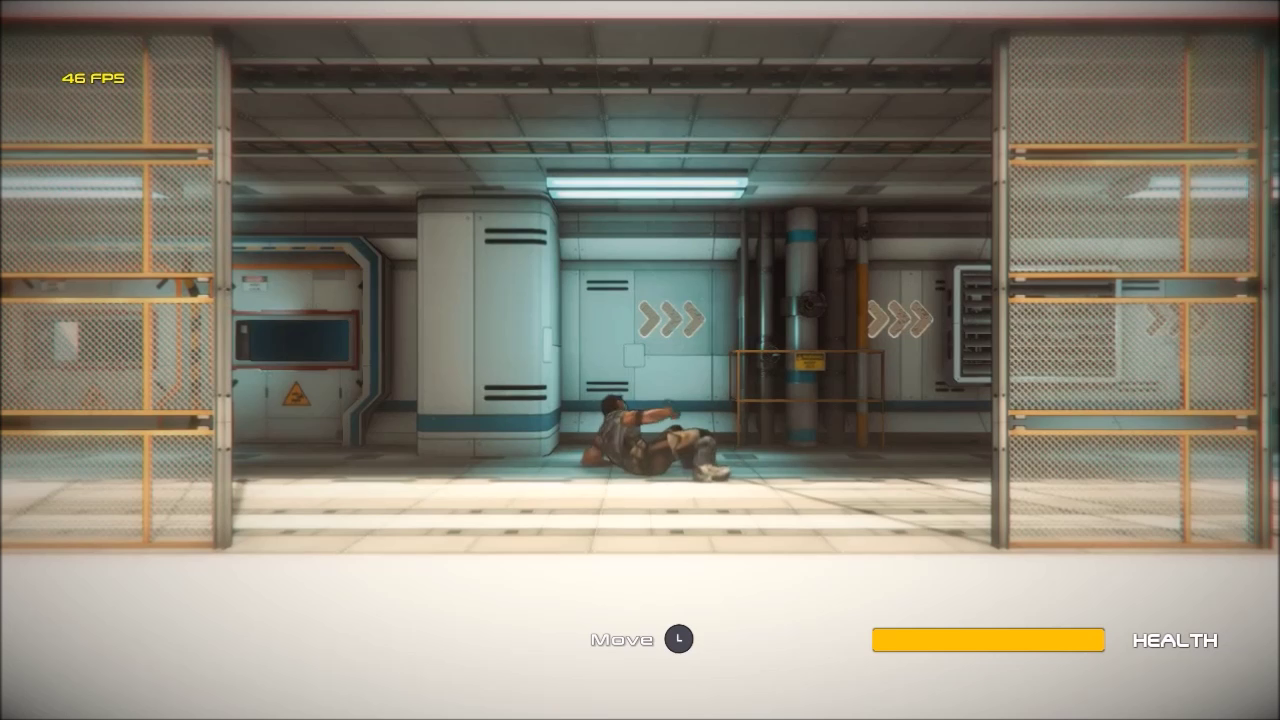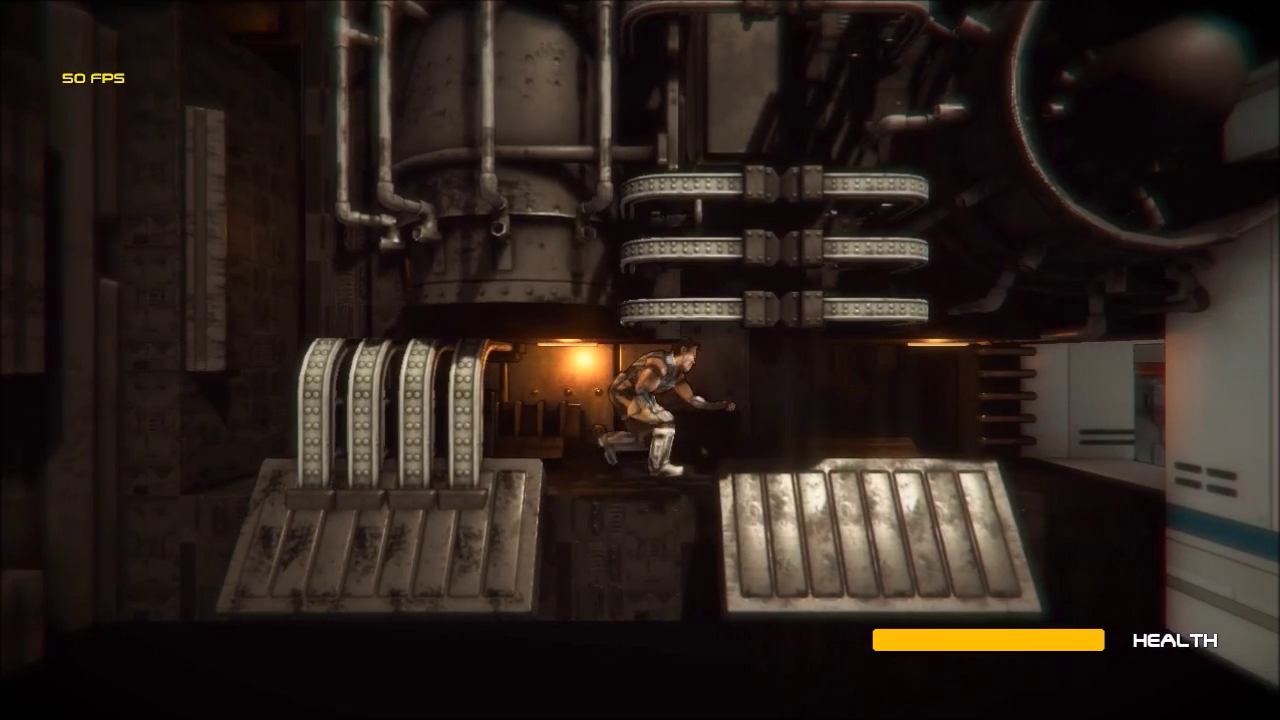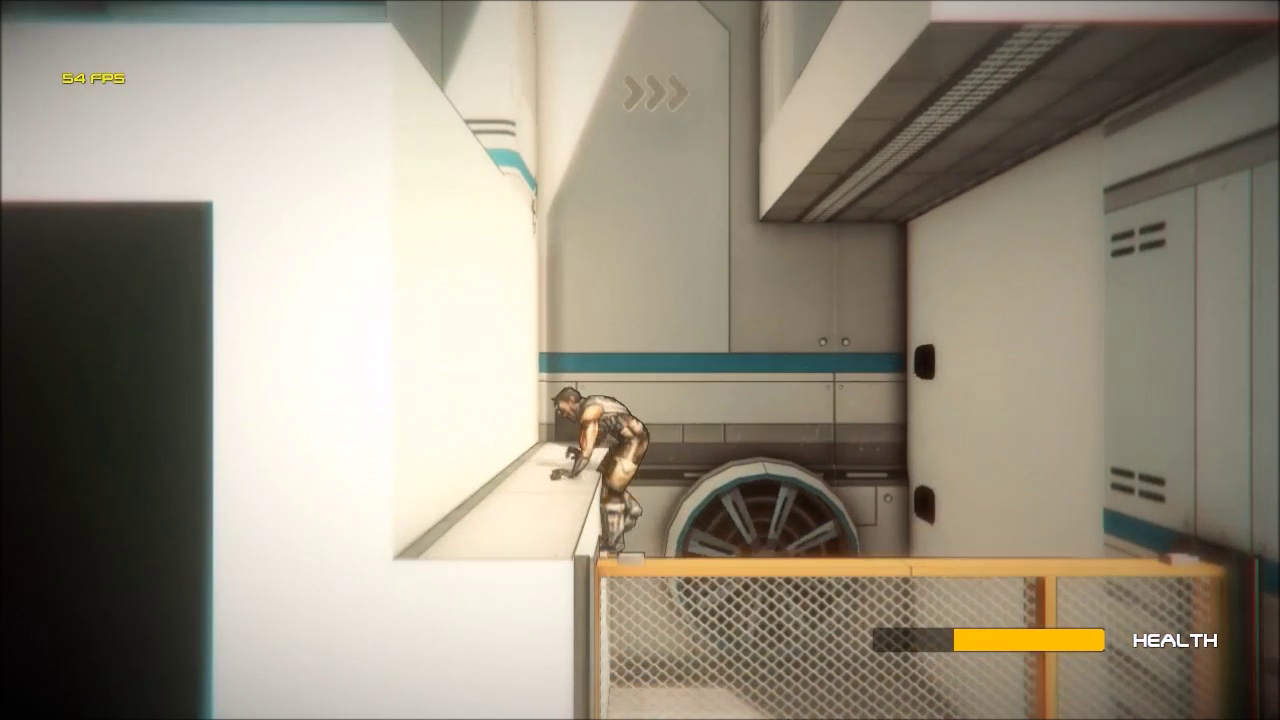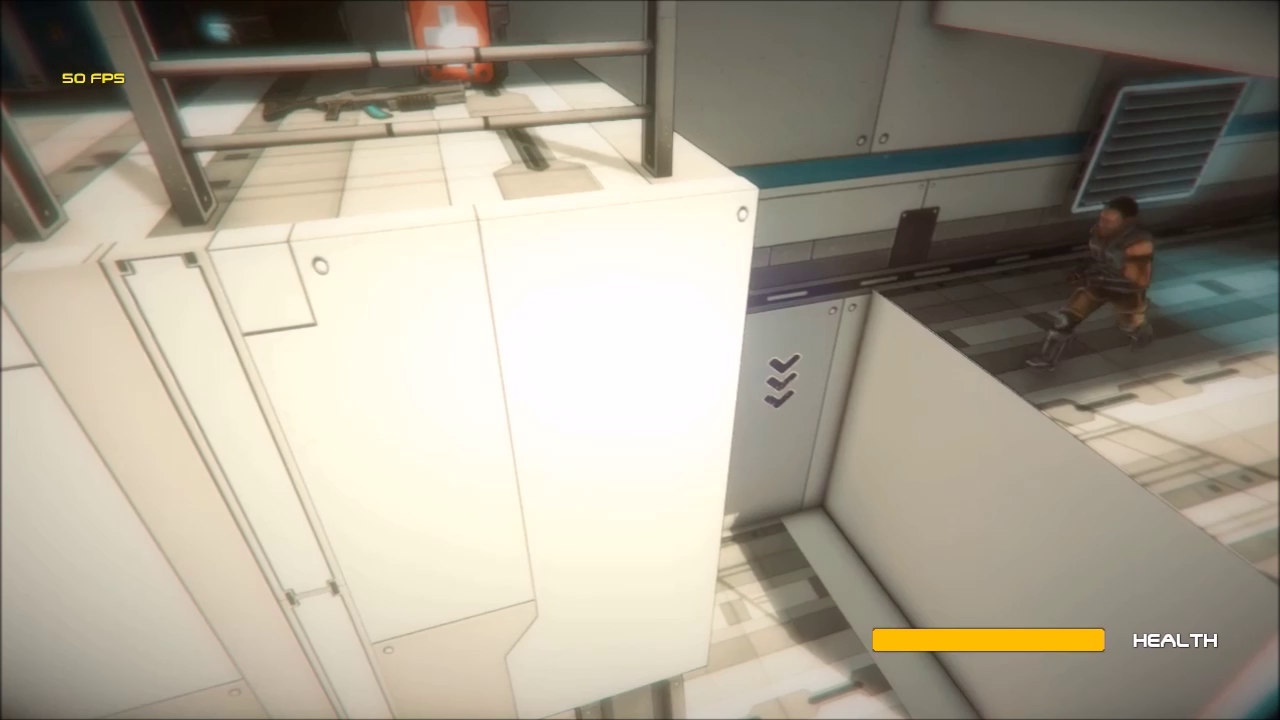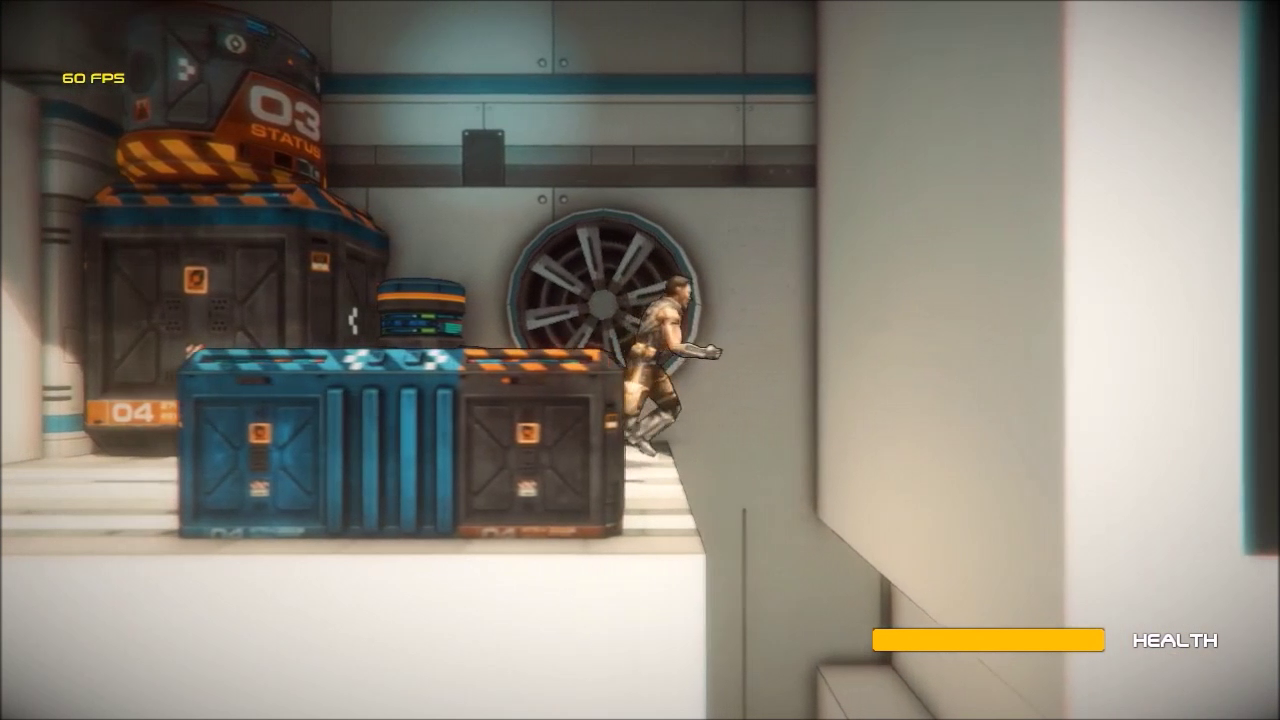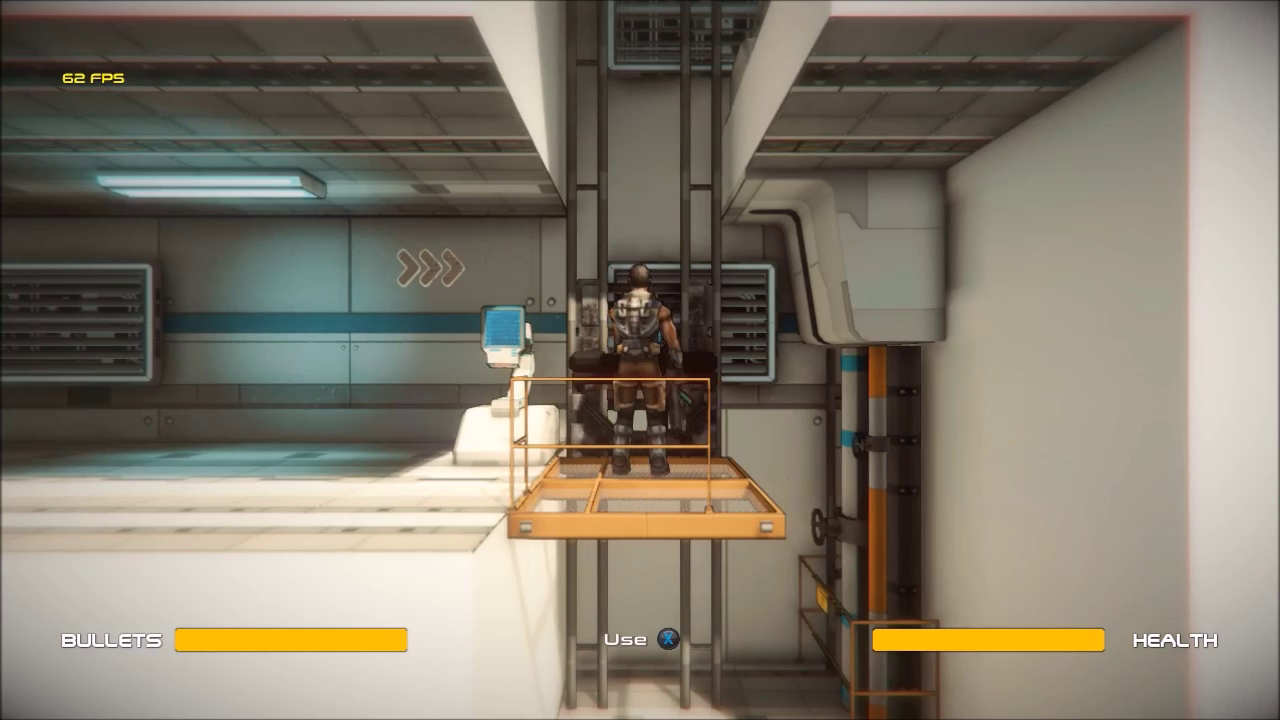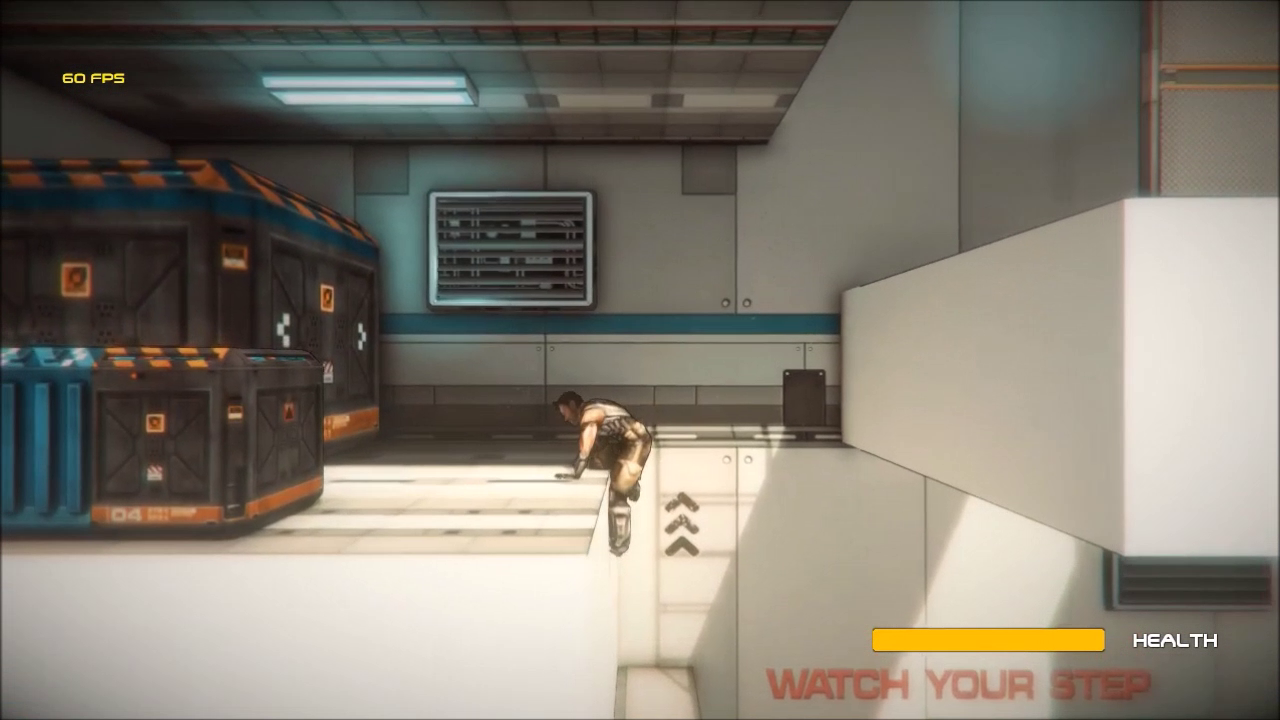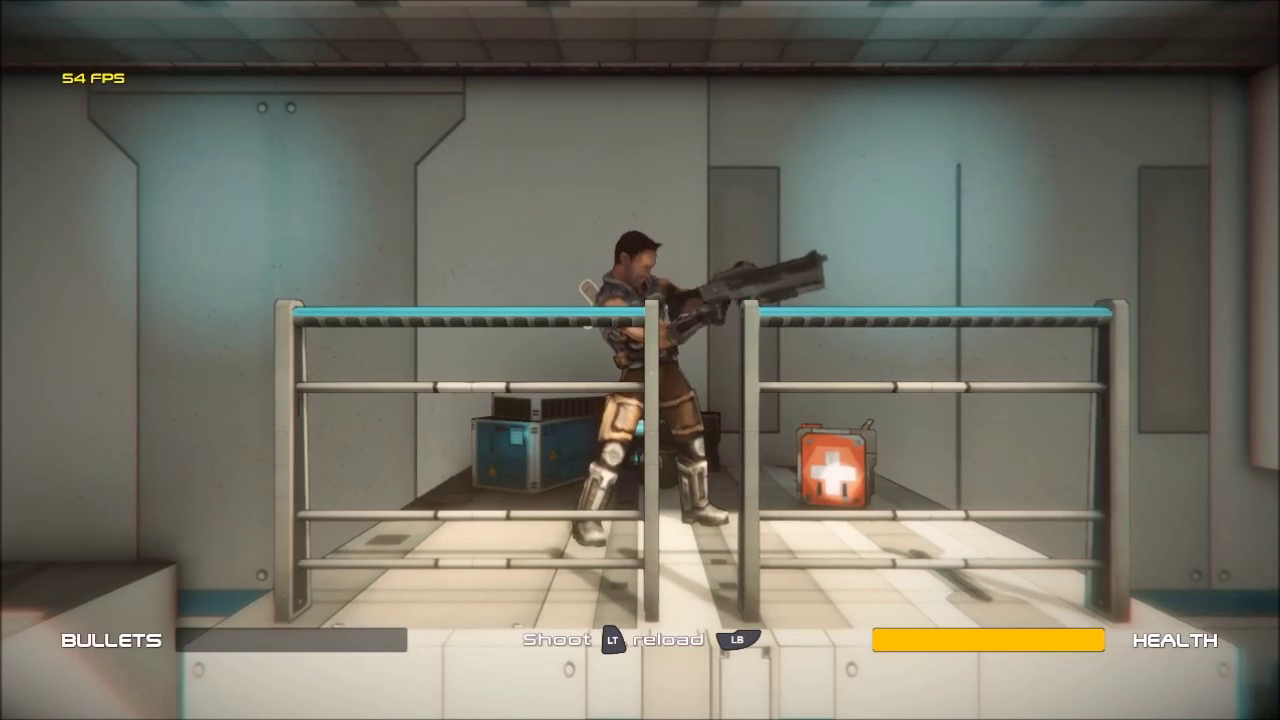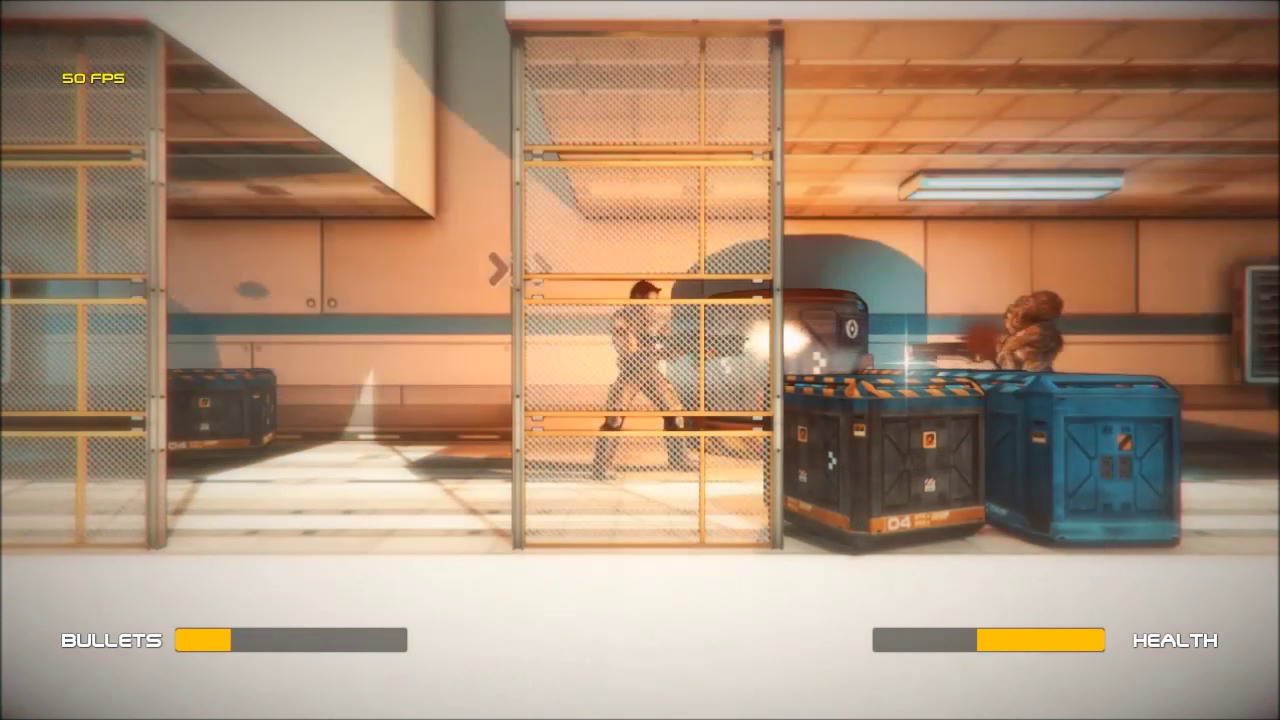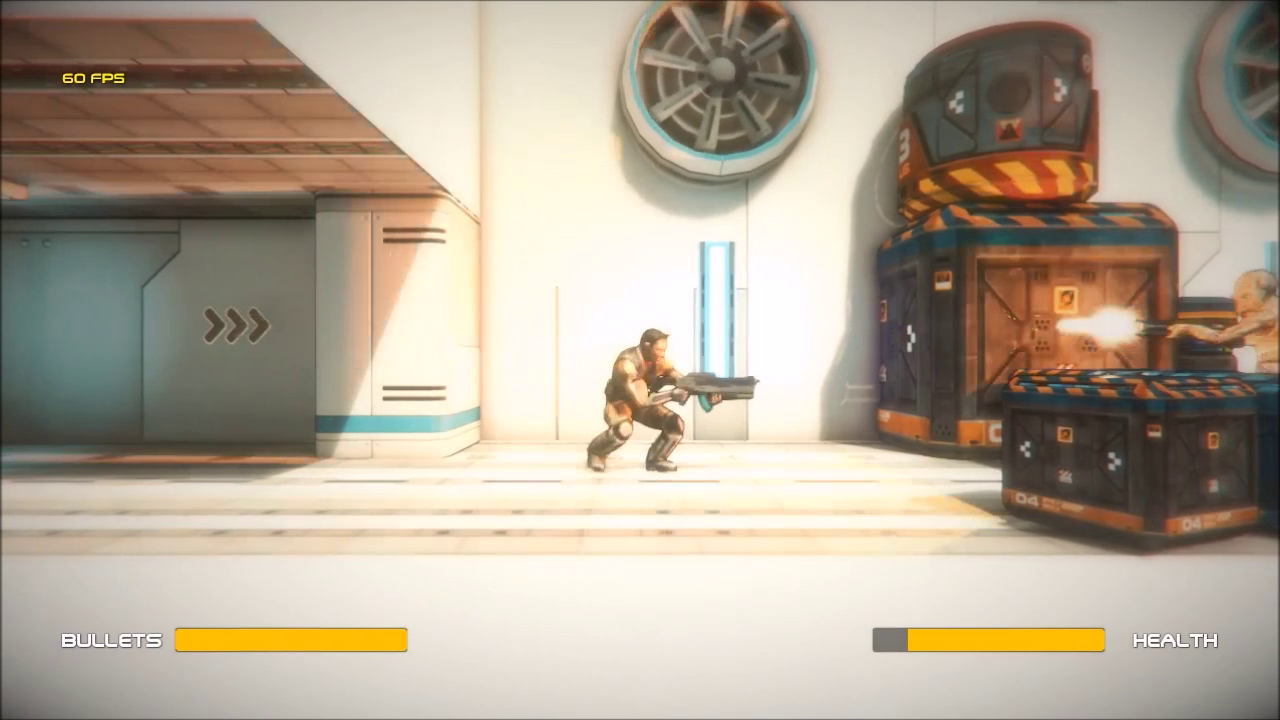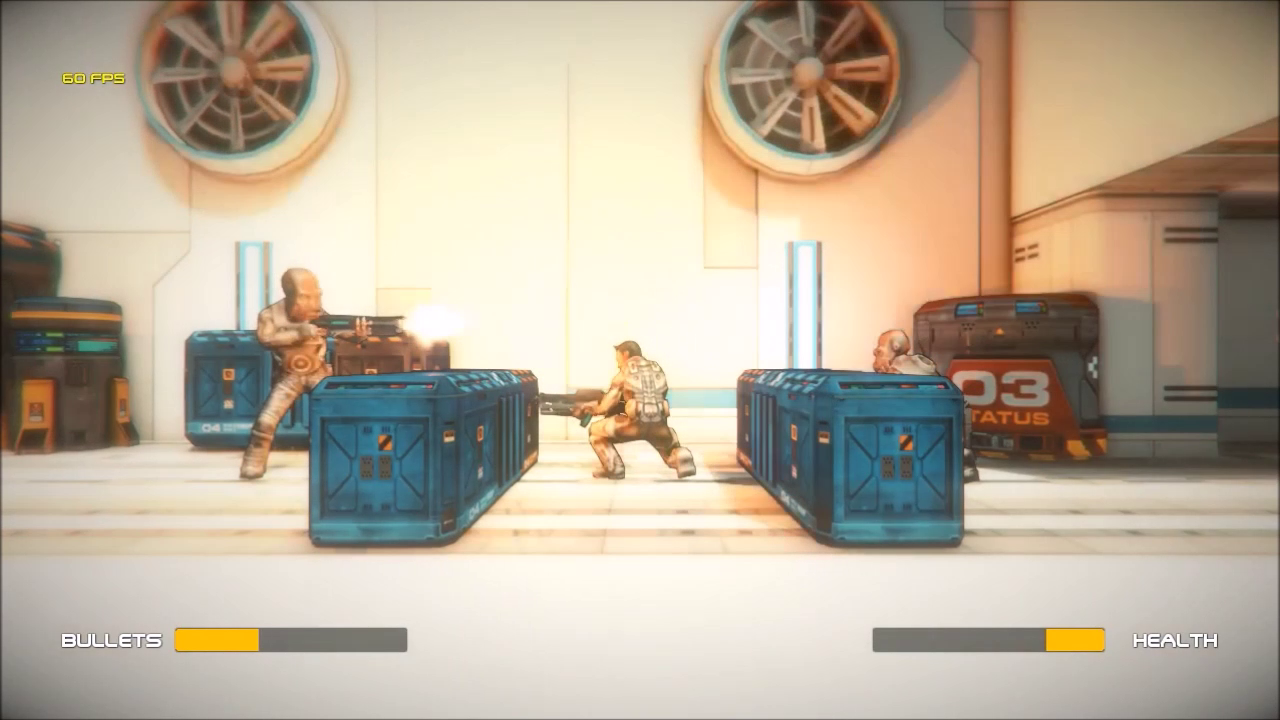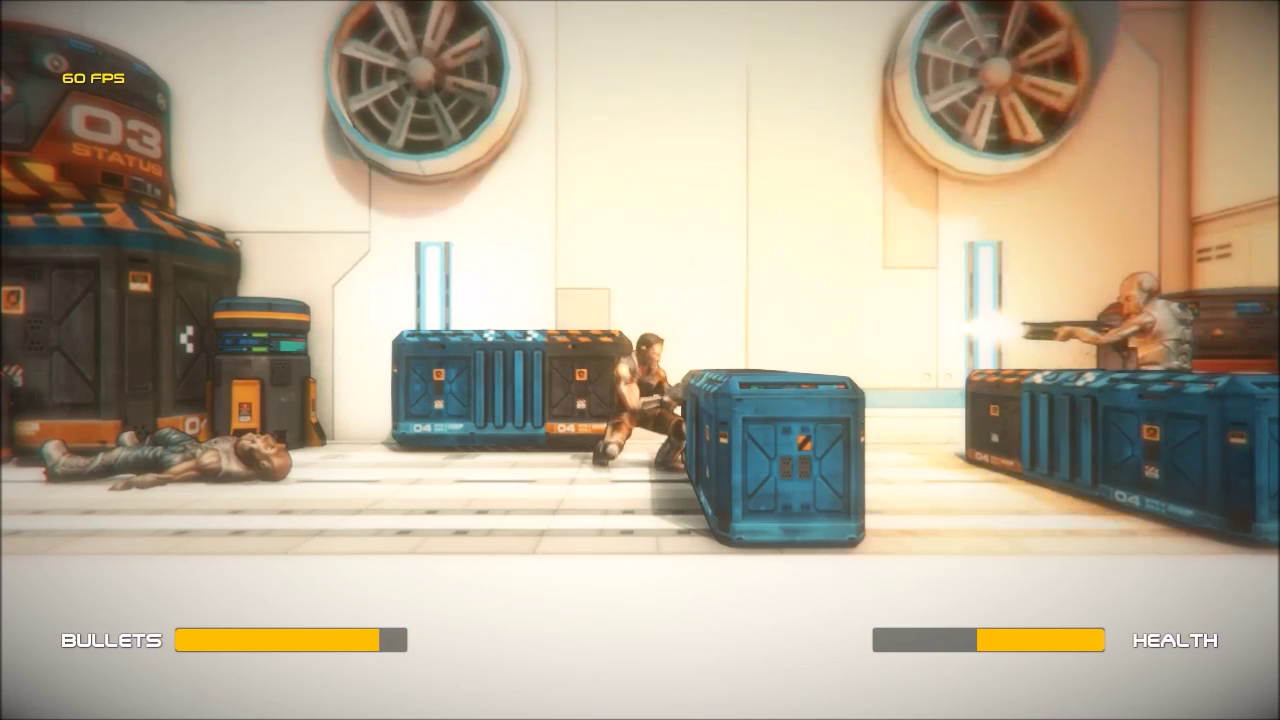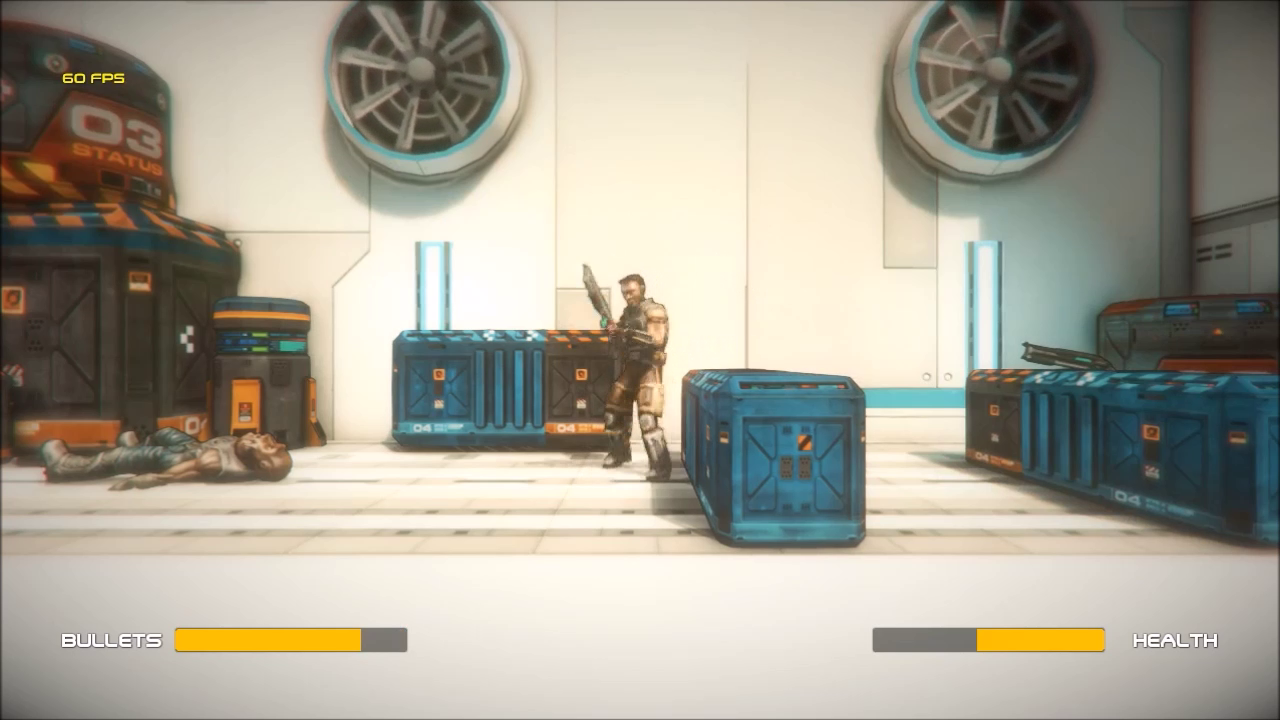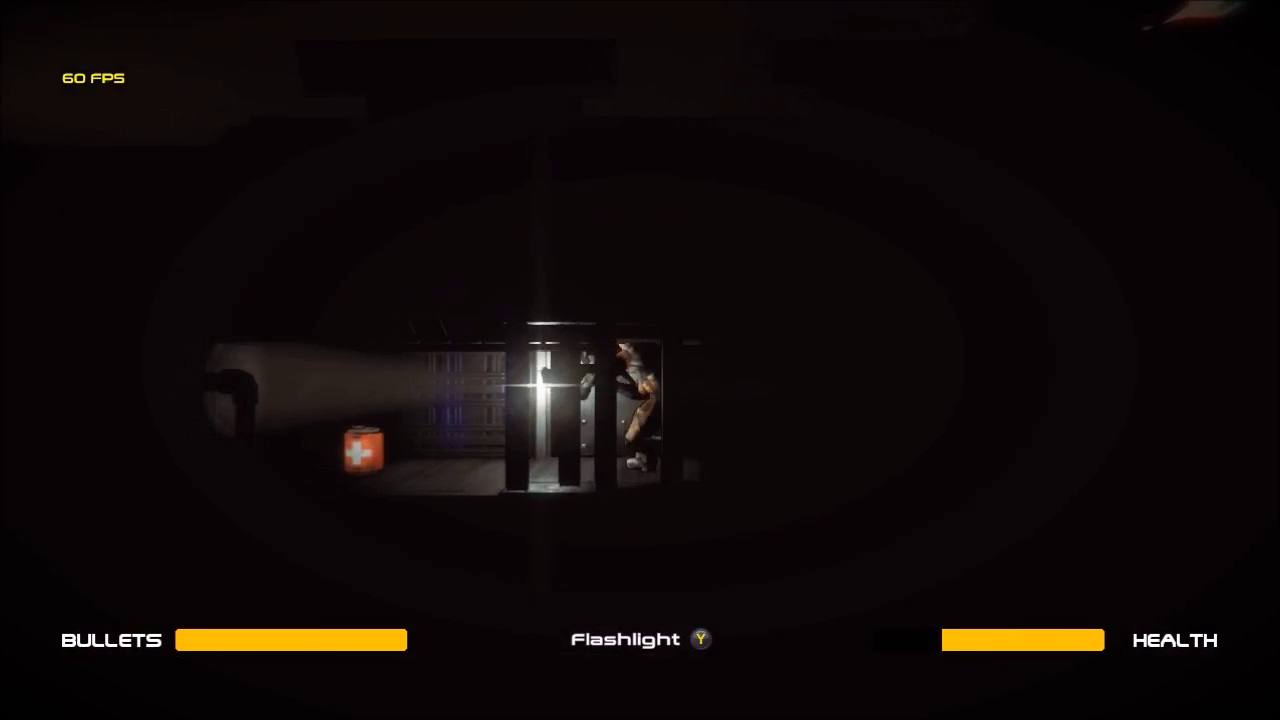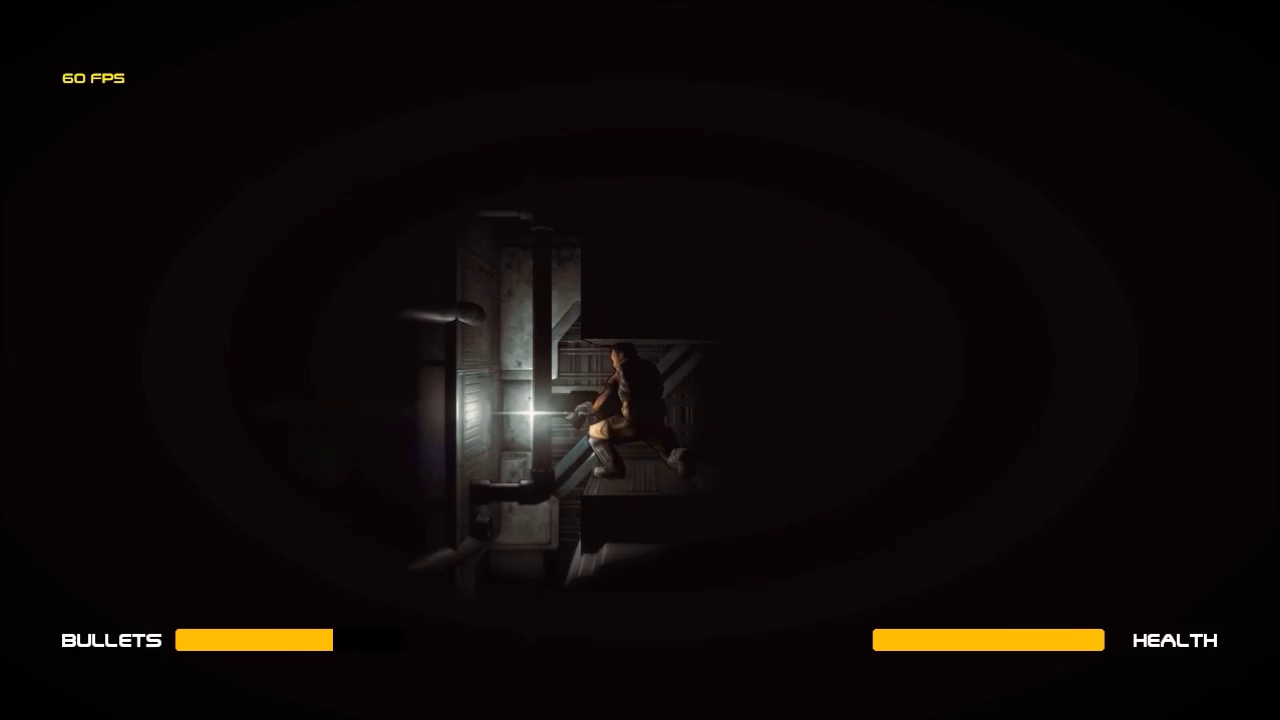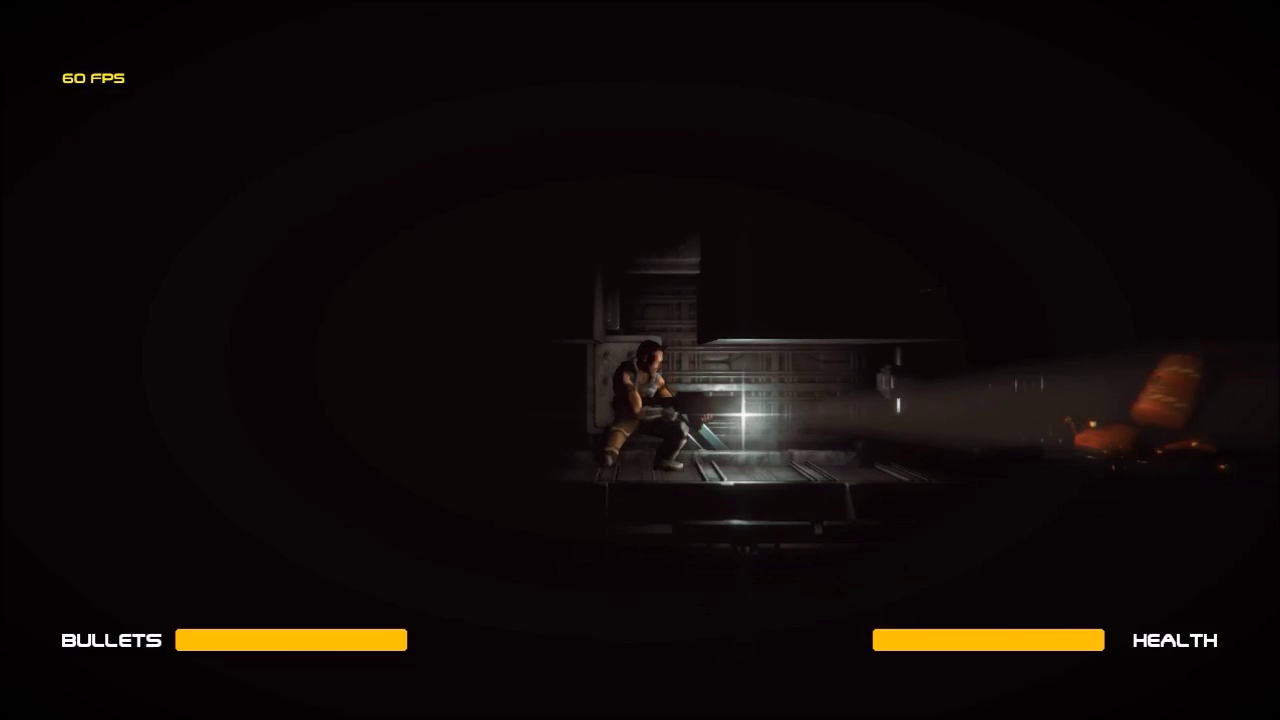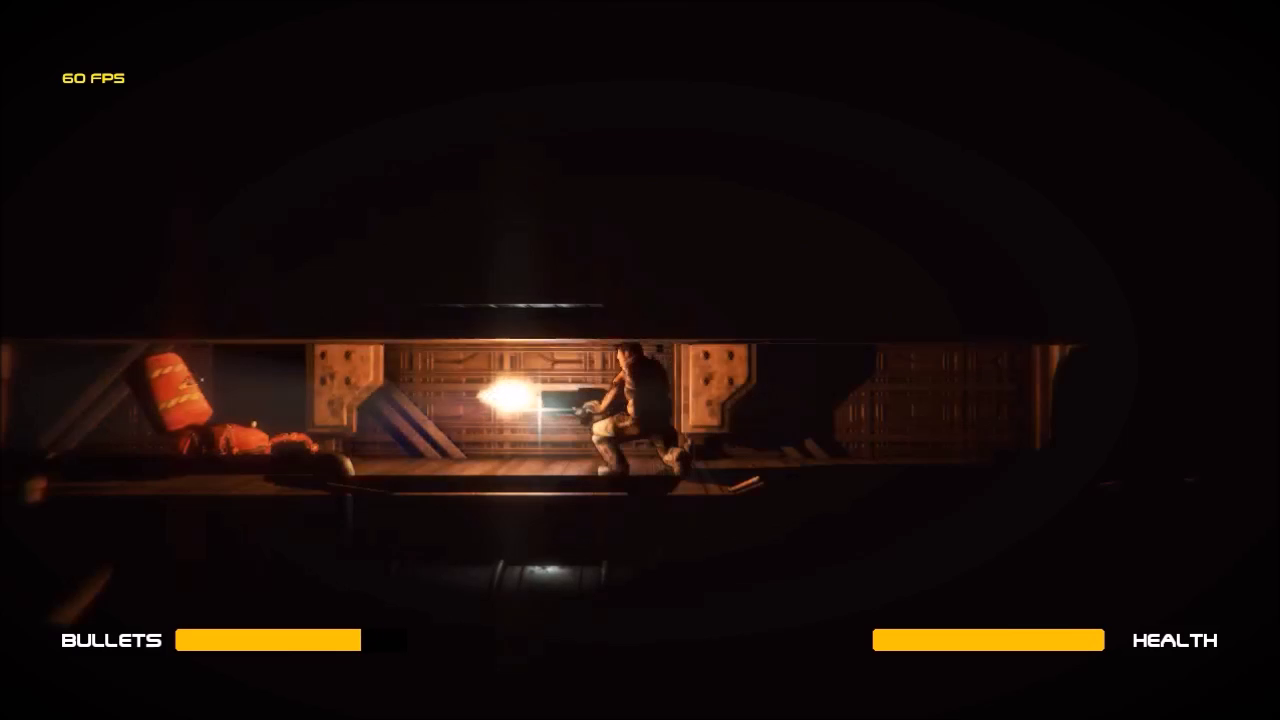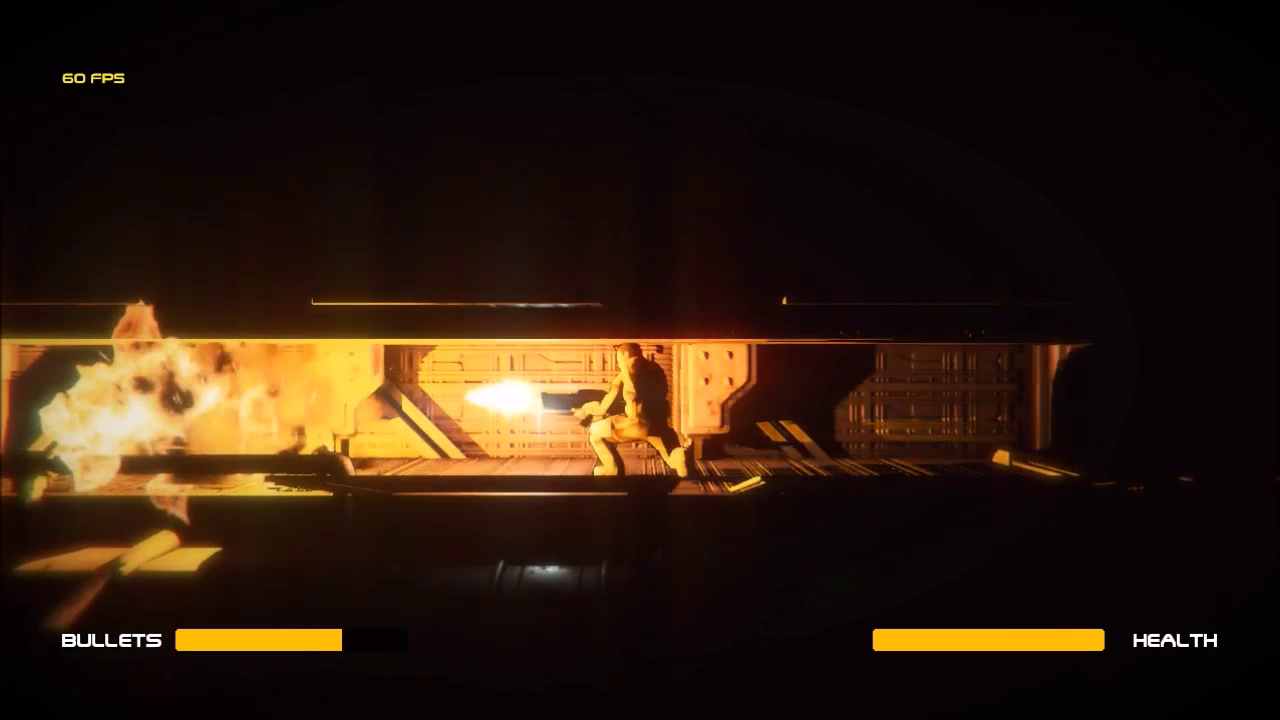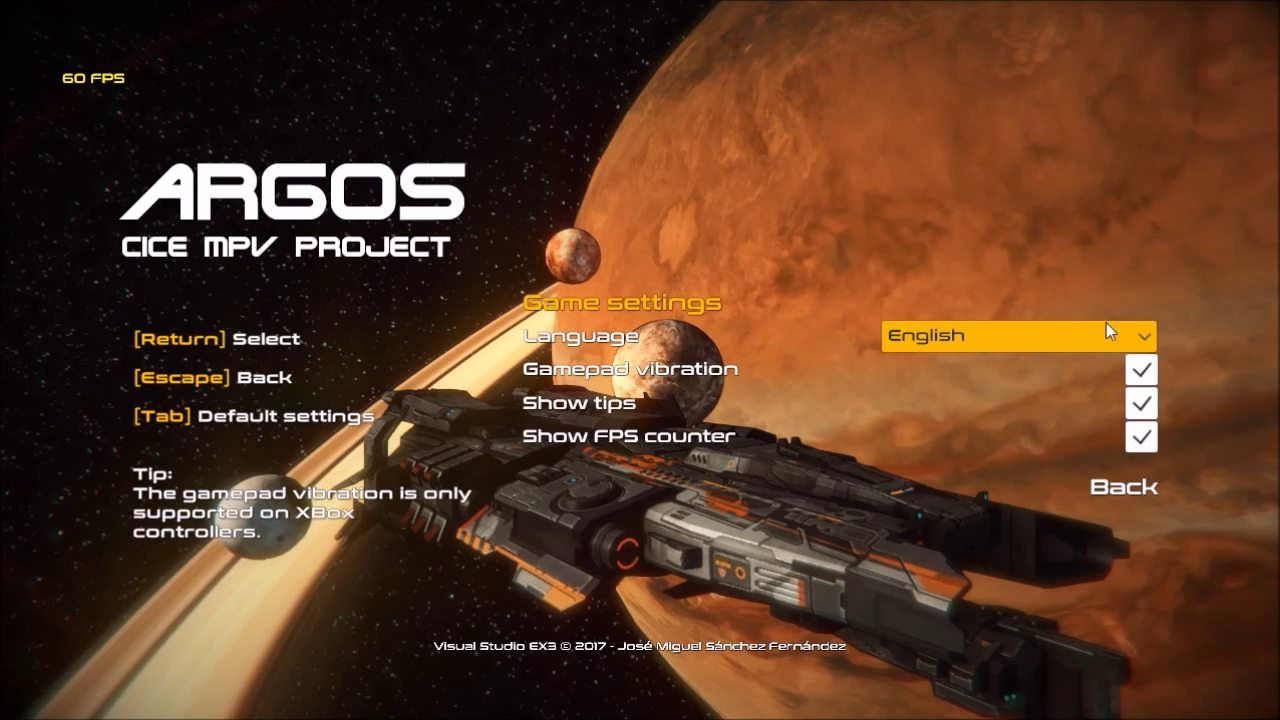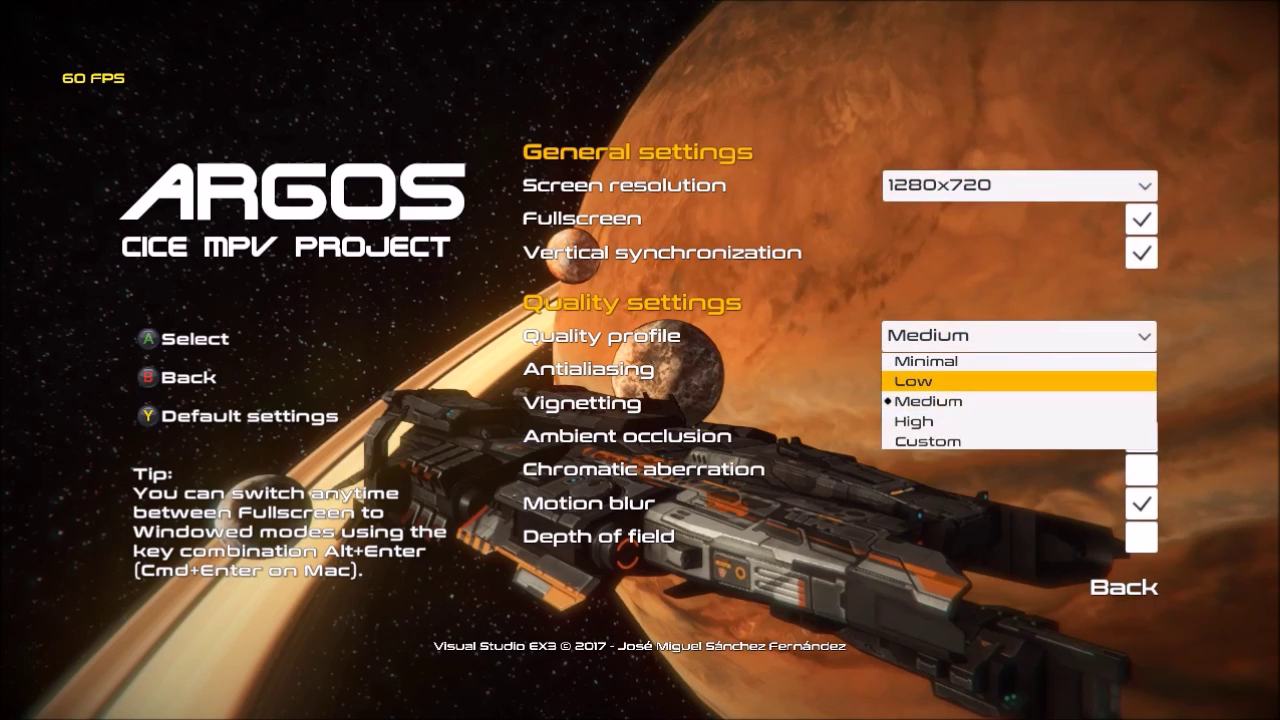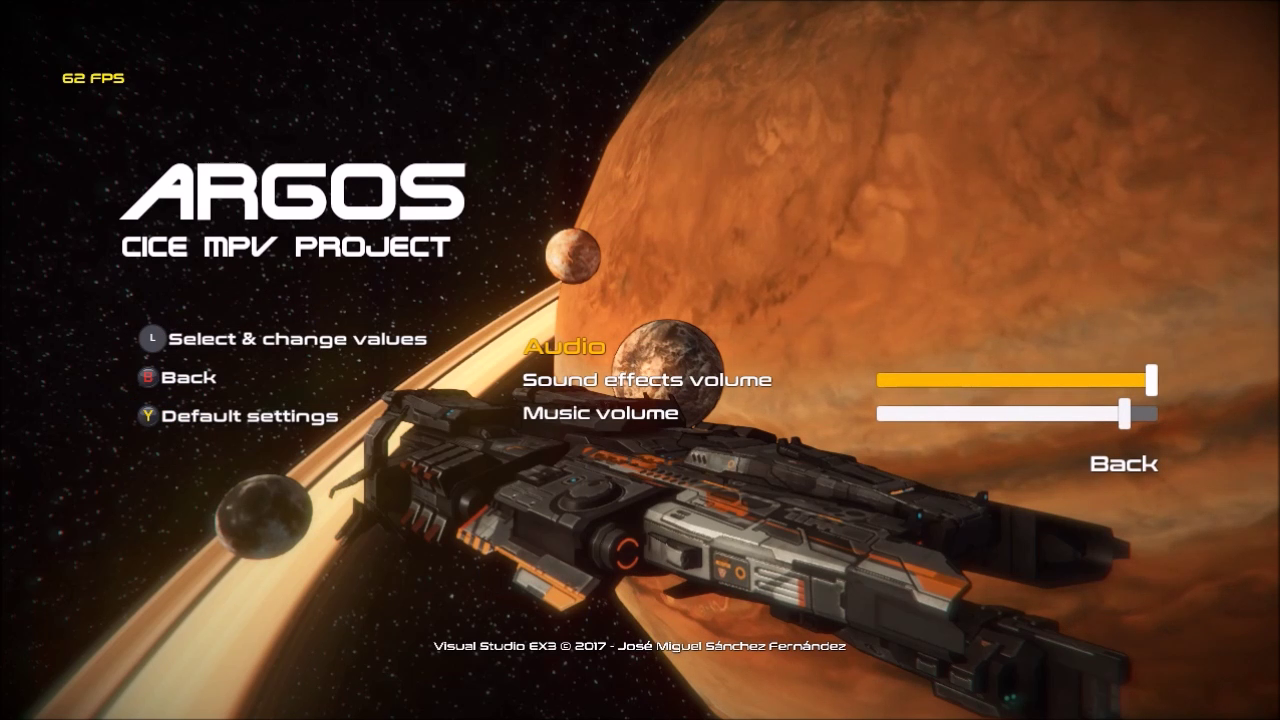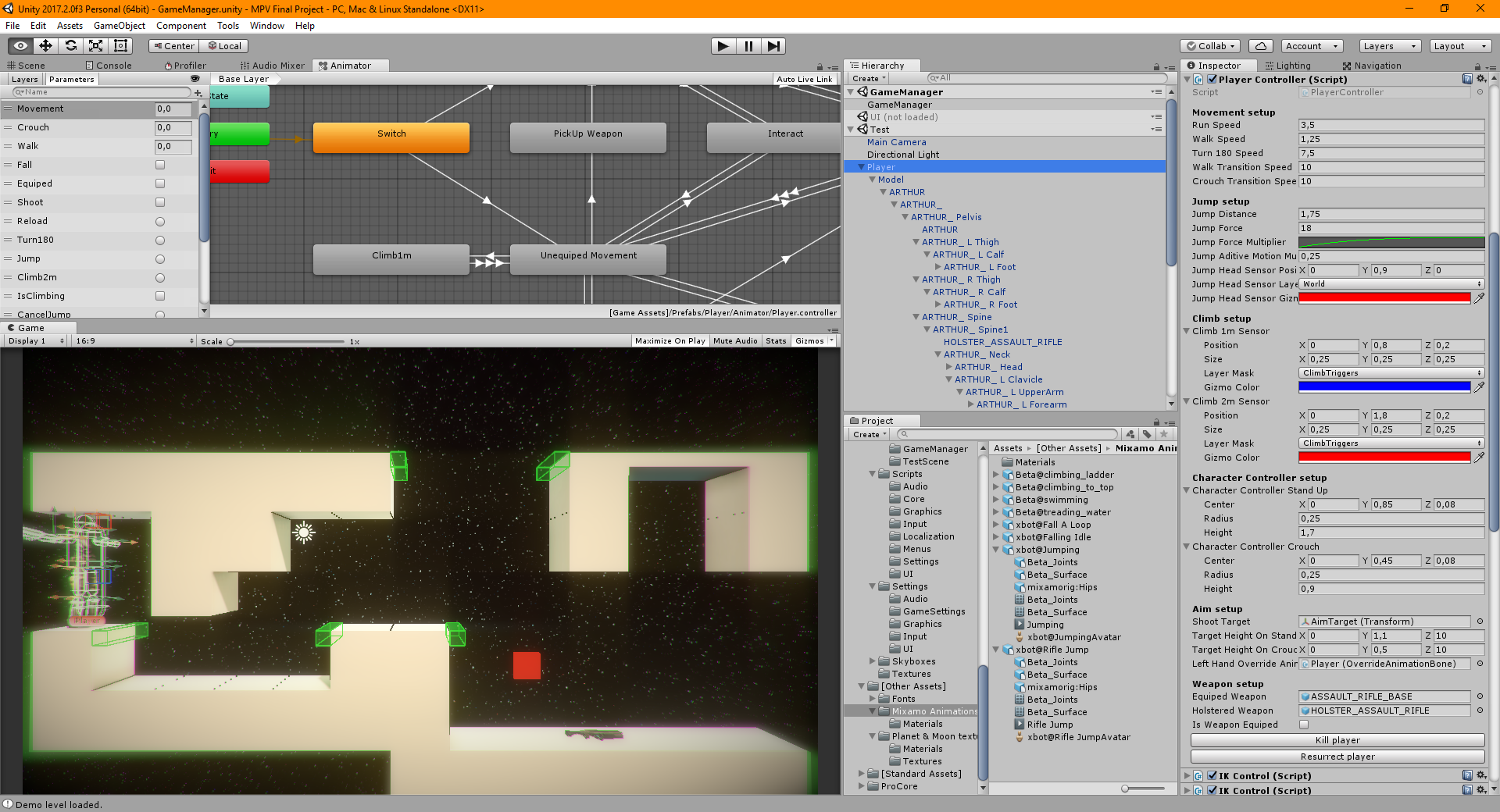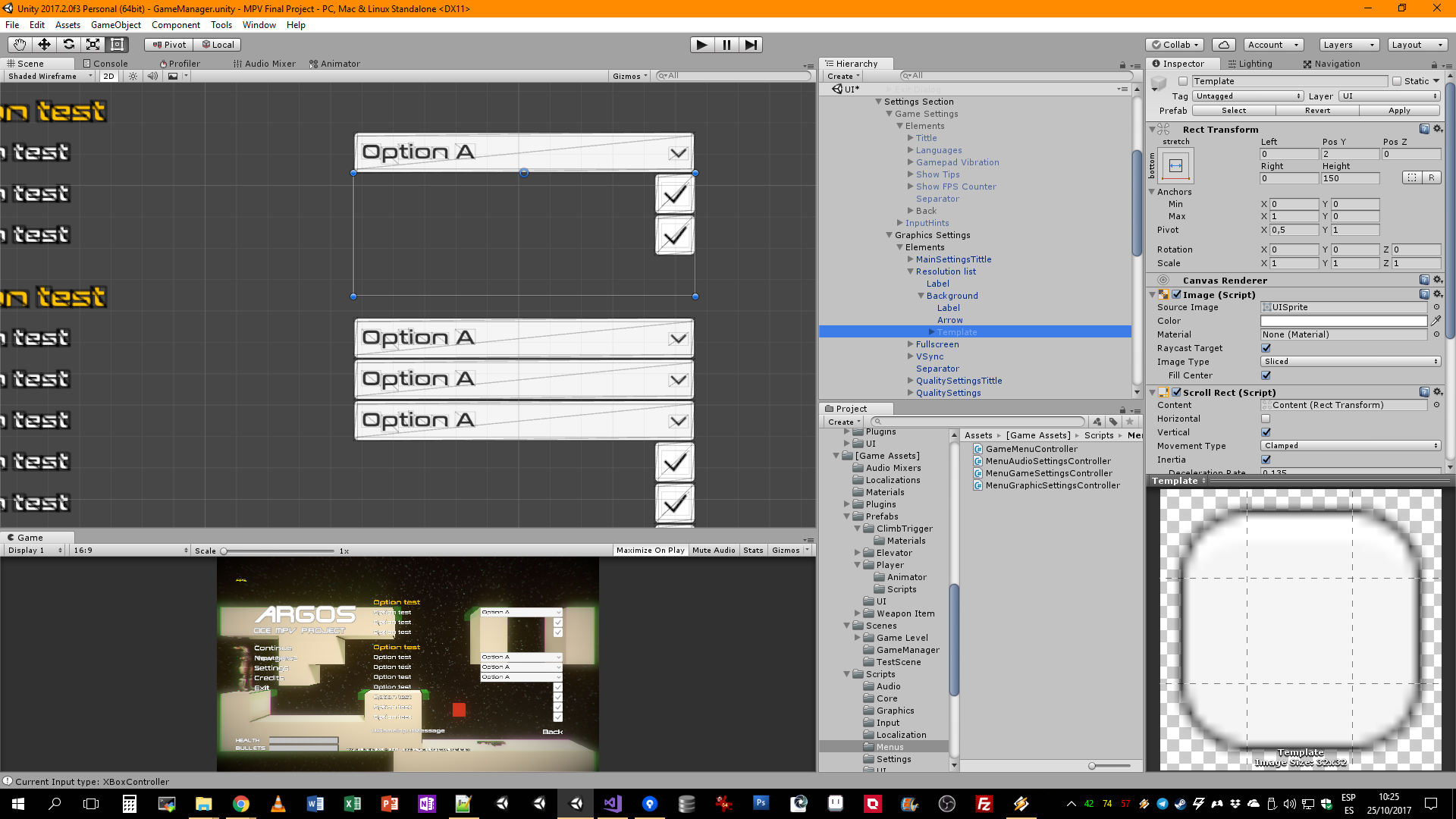
My final project for my Unity3D game development master degree coursed in CICE on 2017. A 2.5D cinematic action-platformer developed over a custom multiplatform framework (the true core of the project).
This project was developed while I was working on the porting to Nintendo Switch of Ginger: Beyond the Crystal in Drakhar Studio. During this period (3 months) I was working in the idea of creating a framework that ease the common tasks in a multiplatform development with Unity3D, like manage the input setup or the file system over the different operating systems or consoles.
After finish my contract with Drakhar Studio, I spent an entire month working on the required-playable part of the final project, the 2.5D platformer game, and how integrating the framework in his development.
The framework, at the state of the presented project, cover the following areas:
-
Input System: A single player oriented input system, based on Input Map assets witch defines actions and axes definitions for use in separate areas of the game like UI or player actions.
This system is based on Virtual Axes that bring the possibility to define input based on keyboard, mouse and/or gamepad axes (sticks, DPads), and Input Actions to define actions like jump or shoot, using input from keyboard, mouse and/or gamepad buttons, DPad and triggers. Input Actions can managed from events, and both Input Actions and Virtual Axes can allow input rebind in runtime.
This system nativelly support the popular game controllers like XBox 360, XBox One, PS4 and Nintendo Switch Pro Controller (on supported systems). The input system manages automatically a common map between different controllers, in a way to only uses a unique button list to setup the actions and axes. The system also allow the use of generic gamepads and uses a generic input map asset to setup the input map, also allow this setup in runtime.
This system implements a custom Standalone Input Module and some custom components to bring full support on Unity UI components for UI navigation. -
Multiplaftform File System: A file system layer to safe manage the basic file operations between Windows, Linux and Mac systems. The system manage a predefined paths to manage savegames, settings, screenshots and custom data folders on user document folder, and avoid errors on path formatting or creation/check the current folders.
-
Localization System: A simple localization system that allow to localize UI text elements with rich text formatting support. The system implements a simple component that manage the UI Text component content in realtime. For the project, this system was designed for only support English and Spanish languages.
-
UI Components: A serie of UI components to bring some functionalities like doble click events, customizable text message events and UI input icon system to show text messages with keyboard, mouse or gamepad button or axis icon based on the common input map system implemented on the first point of this list.
-
Misc additions: Multipurporsal scripts and components with various ideas learned and implemented during this master degree on each practical excercise.
Argos.Framework, development 2017-2019
After deliver the project, I’ve started to work on this framework to pulished some parts and improved ones (Input System code and his editor inspectors) and rewriting others from scratch (file system, localization system and some UI components), and implementing new additions like XInput gamepad vibration support (with visual pattern vibration assets, to allow to design vibration patterns similar to the classic DirectInput Force Feedback patterns), GameJolt API integration (user session, trophies, leader boards and cloud storage) and more.
Other additions that I’m working is the XBox One support, via Universal Windows Platform, with XBox Live basic services (user session, user stats, leader boards and file storage). The goal of this is trying to unify this services with other like the GameJolt or Steam services (even consoles services like PS4, XBox One (not UWP) or Nintendo Switch) under an unique layer to simplify the development between platforms, the main goal of this framework.
Argos.Framework, present day (2025)
During these years I can put in practice some ideas of the framework in some Unity projects where I worked, proved on them the useful applications on some common problems on multiplatform development with Unity or the speed up on tooling development with focus on good UI/UX practices using my custom editor controls library.
The last features I worked on the framework was:
-
A full, but unfinished, reimplementation of the Input System based on SDL2 library, instead of the Unity Legacy Input Manager, to bring full support for gamepads on PC with an universal button layout based on the XBox Game Controller and full Force Feedback/Haptic feature for any supported gamepad or joystick without required the specific driver (or a custom layer on third-party APIs like the current implemented with XInput and SharpDX to use DirectInput API). In fact, is the same support bring by Valve Steam platform and most of the base code used by Unity’s most popular asset/plugin for game input, Rewired.
-
An integrated designer for the Force Feedback/Haptic feature based on scriptable object as Vibration Asset where you can setup, from his inspector, the vibration pattern based on constant values or curves in one or both vibration engines, with the possibility to test the effect in your gamepad without require to run the game.
-
Improved editor controls, including better controls with preview for some contents like images, or an advanced controls like reorderable lists with full event customization and visuals (including implementations like reorderable dictionaries), native modals, or a full serializable and customizable native Data Grid.
-
Improved file system abstraction based on file slot concept, represented by scriptable objects, where you can define the data structures like basic key-par-value lists (a dictionary) or complex serializable data structures, the serialization mode (binary, JSON, XML or YAML), and setup encription options.
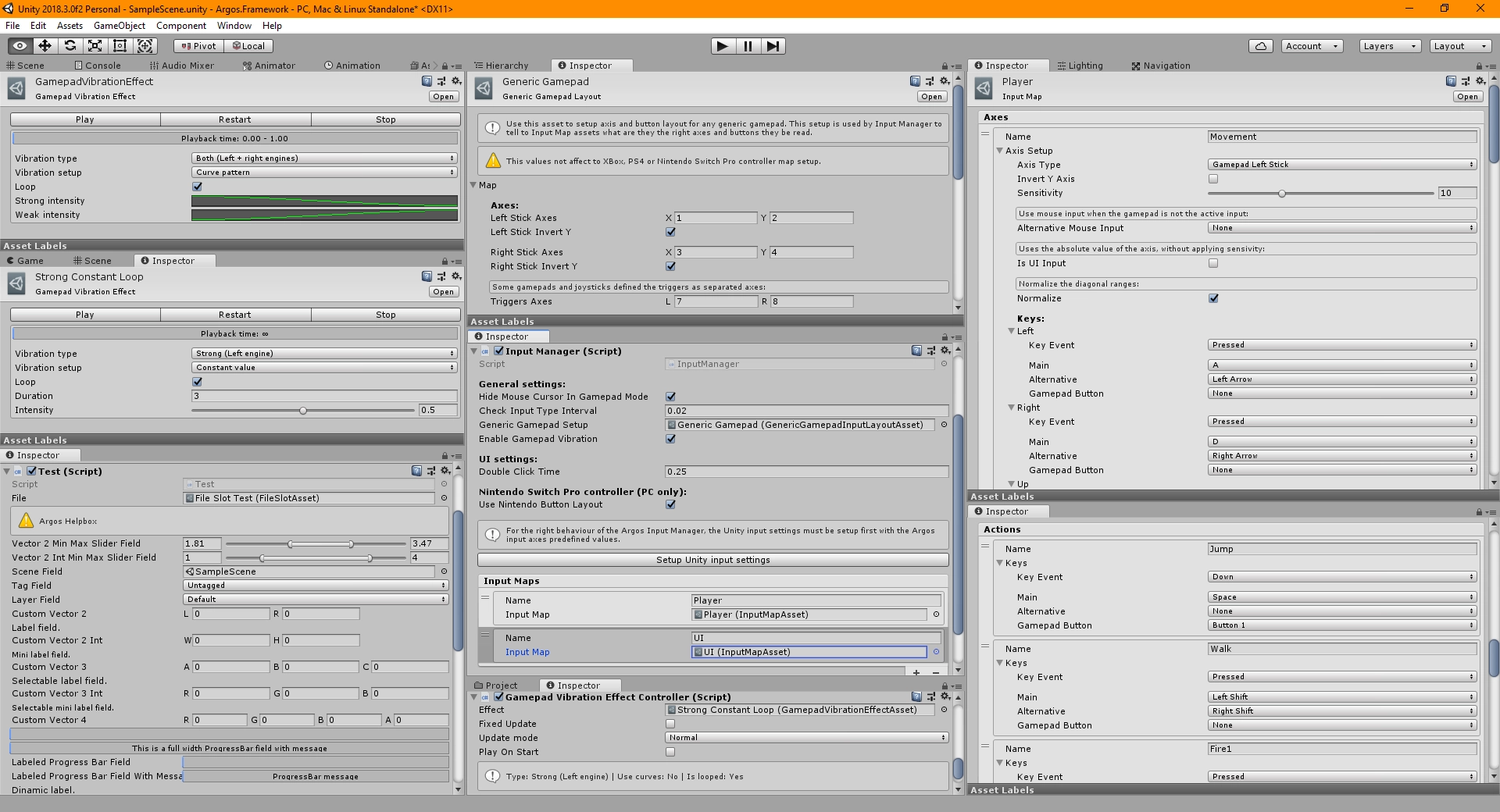
The last image in the gallery shows a some components and scriptable objects from the Input Manager system implemented in Argos.Framework and a some of the custom editor controls in the inspector.
The project is in standby since late 2019, and I’m don’t have plans to continue with it, because a lots of problem maintaining some features though a long range of versions of Unity from Unity 2017.1 to current Unity 6, broken compatibility and partial-deprecating APIs without warning from version to version. Adding the total desinterest about this project and his features from most of the professional indie developers colleagues that I meet in these years (mostly because they don’t value to develop his own tools, don’t value some key-features like the complex input haptics, or don’t had to facing the painful issues related with the console port of his games) I don’t see working in this project worth my time and energies anymore.